Commands
doctor, limits, refresh, version and help, each as a word, a short flag and a long flag.
Each command works as a word (limits), a short flag (-l) and a long flag (--limits). All of them take -h or --help for their own page. Without a command, gh select opens the picker and accepts the options.
| Command | Short | Long | What it does |
|---|---|---|---|
doctor | none | --doctor | check git, gh and your GitHub login |
limits | -l | --limits | show GitHub API rate limit usage |
refresh | -r | --refresh | refetch the repo cache and exit |
version | -v | --version | print the installed version |
help [command] | -h | --help | show the overview, or one command's help |
doctor
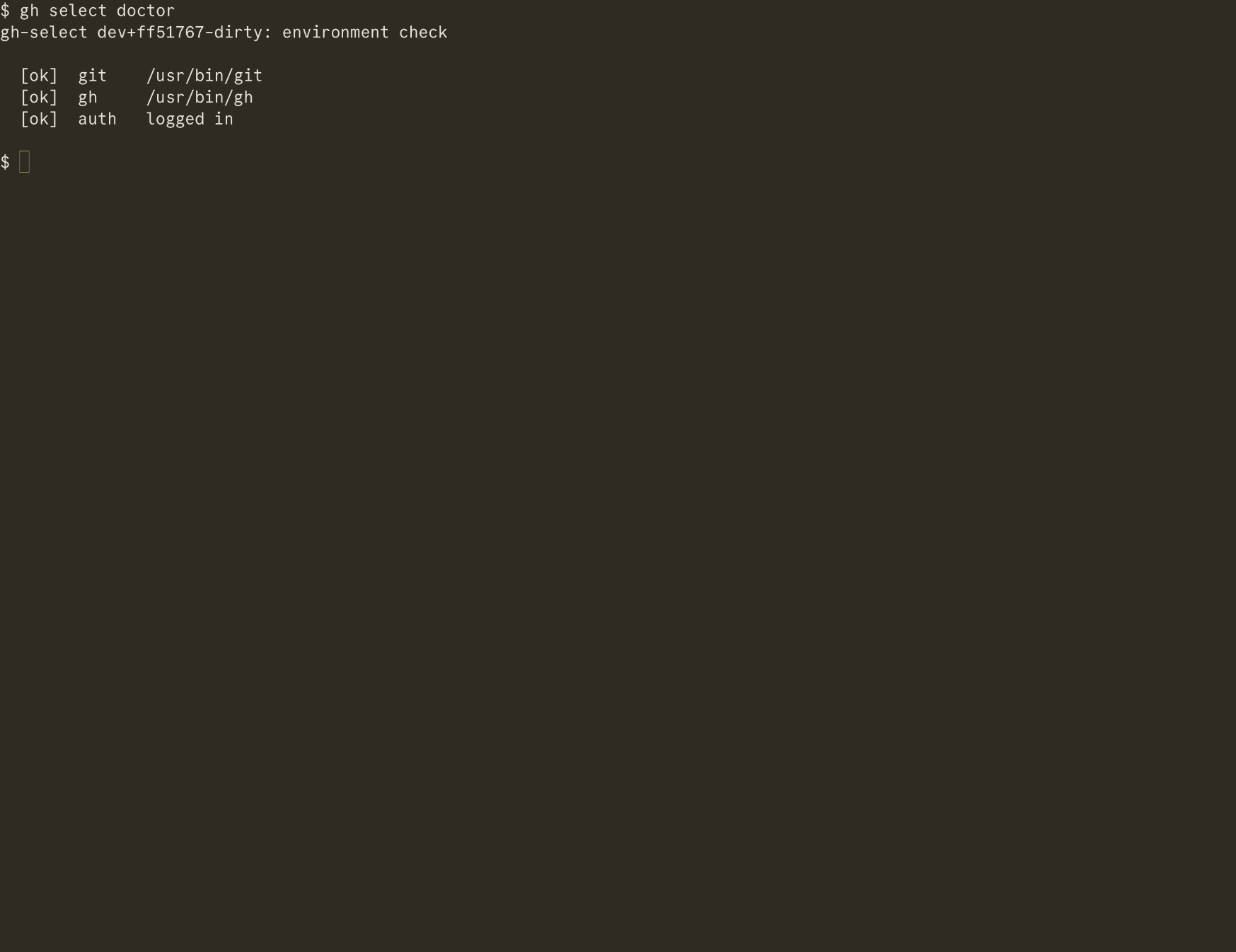
Checks that git and gh are on your PATH and that gh auth status succeeds. Each line is [ok] or [x] with the path found or a hint. It needs no login itself, so it still runs when everything else fails. It always exits 0.
limits
Prints the search, core, graphql and code_search budgets. Every tool that uses your gh login shares them.
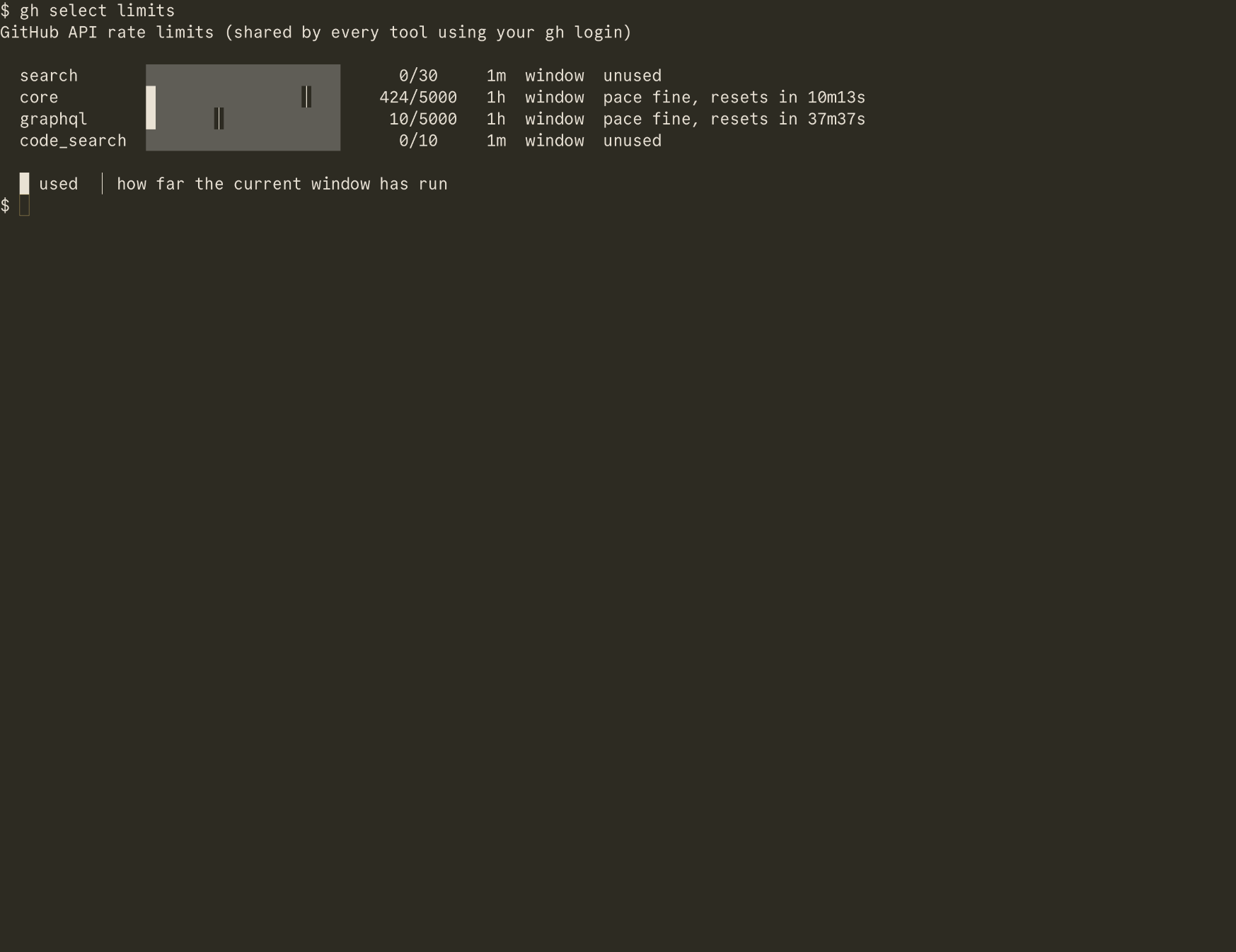
Each row has a usage bar, used and limit, the window length and a pace note. A marker in the bar shows how far the current window has run. When the current pace would empty a bucket before it resets, the note says how soon. A window starts at its first request, so an unused bucket reports zero elapsed. The ? overlay in the app shows the same.
refresh
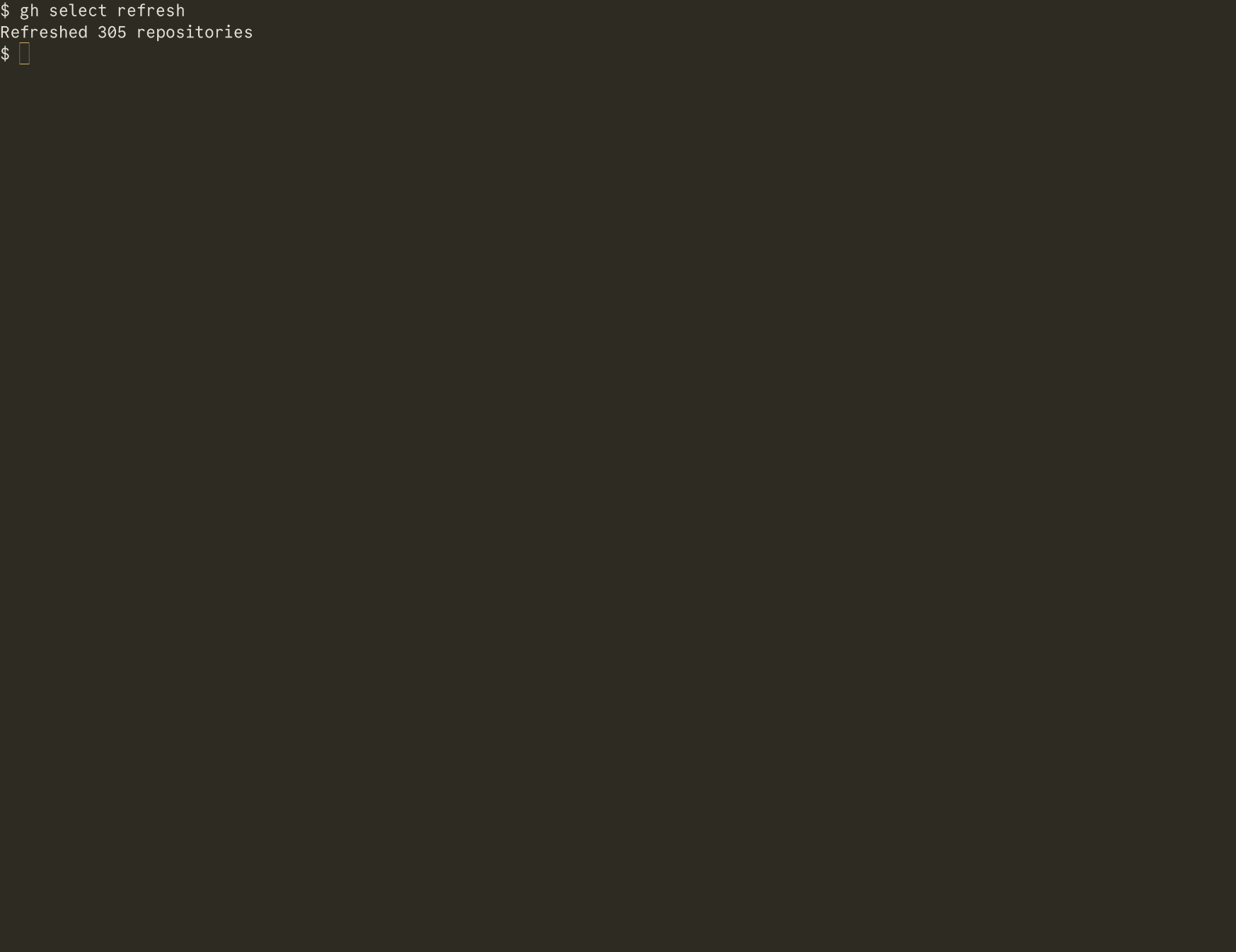
Fetches every repository you can access, saves it to the cache and prints Refreshed N repositories. The app already refreshes a stale cache in the background, so this is for cron jobs and scripts. See scripting.
version
Prints gh-select VERSION. Release builds print the tag, like v2.6.0. Local builds print the commit, like dev+5006ea0, with -dirty when the tree had uncommitted changes.
When the last daily check found a newer release, a second line on stderr names it and how to upgrade. This command never touches the network.
help
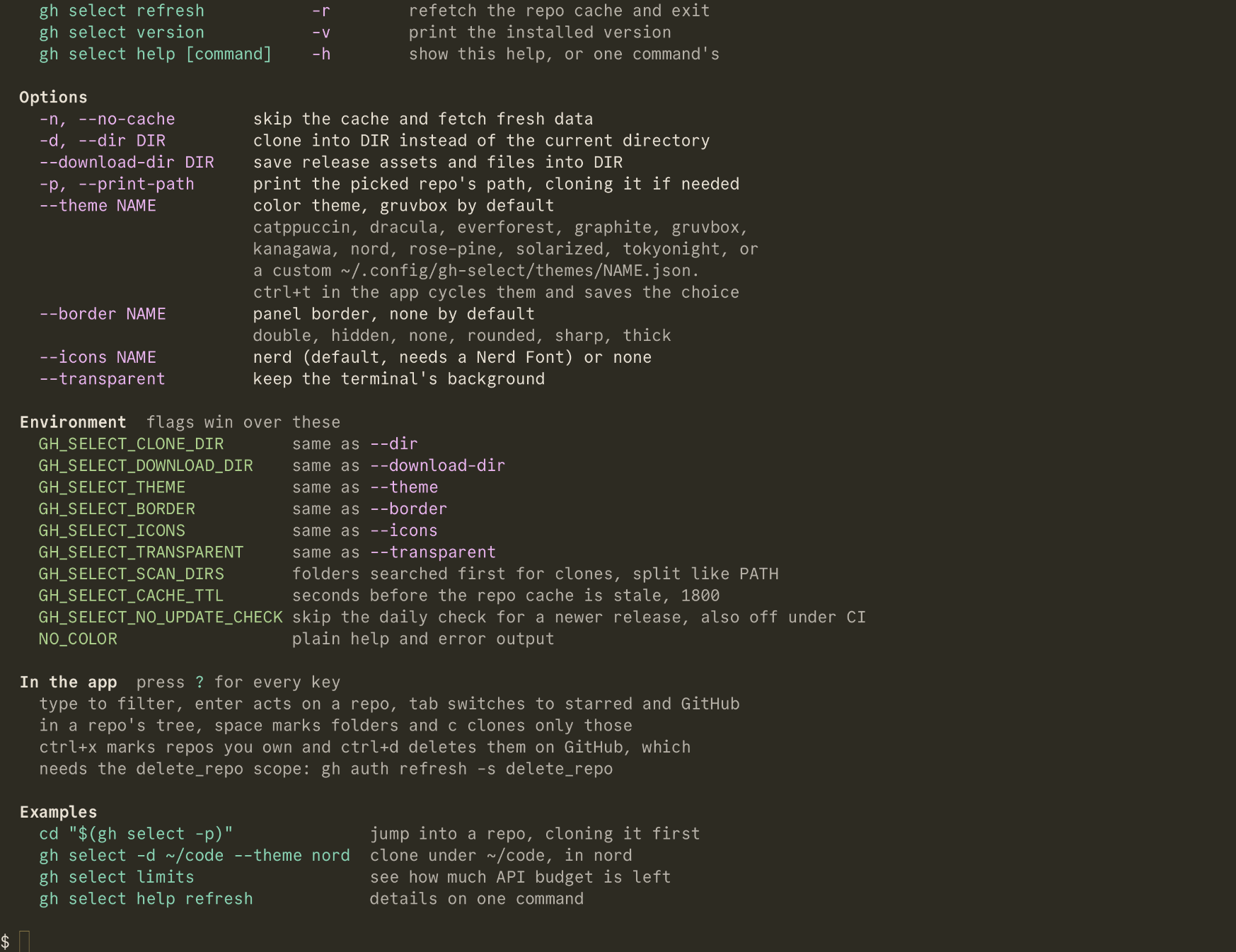
Without a command it prints the overview: usage, commands, options, environment, a pointer to the in-app keys, and examples. With a command it prints that command's page, as does adding -h or --help to any command. Output is colored on a terminal unless NO_COLOR is set.
How the command line is read
- A flag form counts anywhere in the arguments. A bare word counts only first, or right after
help, so a value such as--dir refreshis never mistaken for a command. - Two different commands in one line fail with
doctor and limits can't be combined. - A command takes no options.
gh select refresh --theme nordfails withrefresh takes no options, got --theme nord. - An unknown word fails with
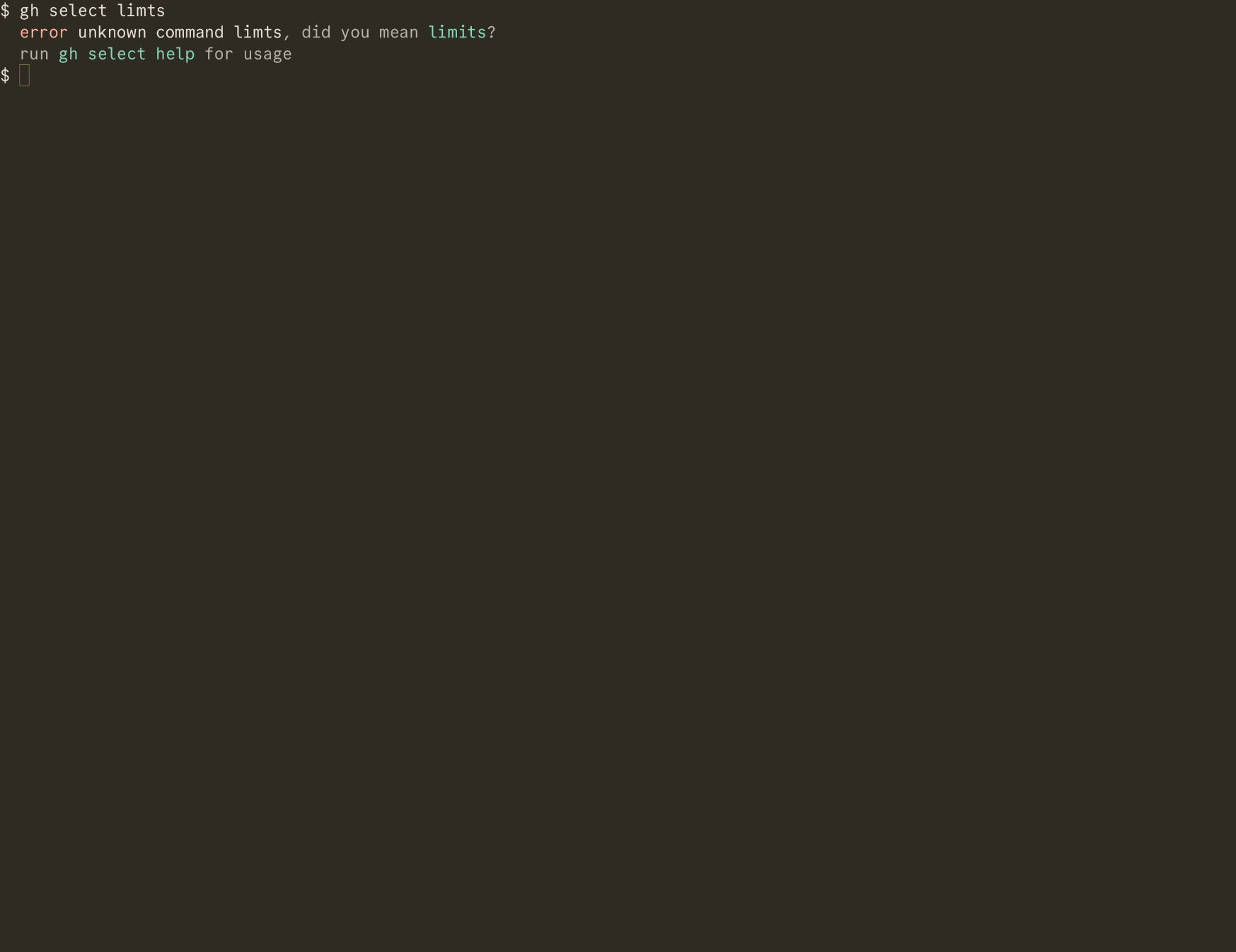
unknown command NAME, and an unknown flag withunknown option --NAME. Both suggest the closest valid name when one is near, as indid you mean --limits?, and exit with status2.
Last updated on