Introduction
gh-select is a GitHub CLI extension to find, browse and clone GitHub repositories from one terminal screen.
gh select lists all your GitHub repositories in the terminal. Pick one and clone it, open it in your editor, read its README, browse its files or download a release.
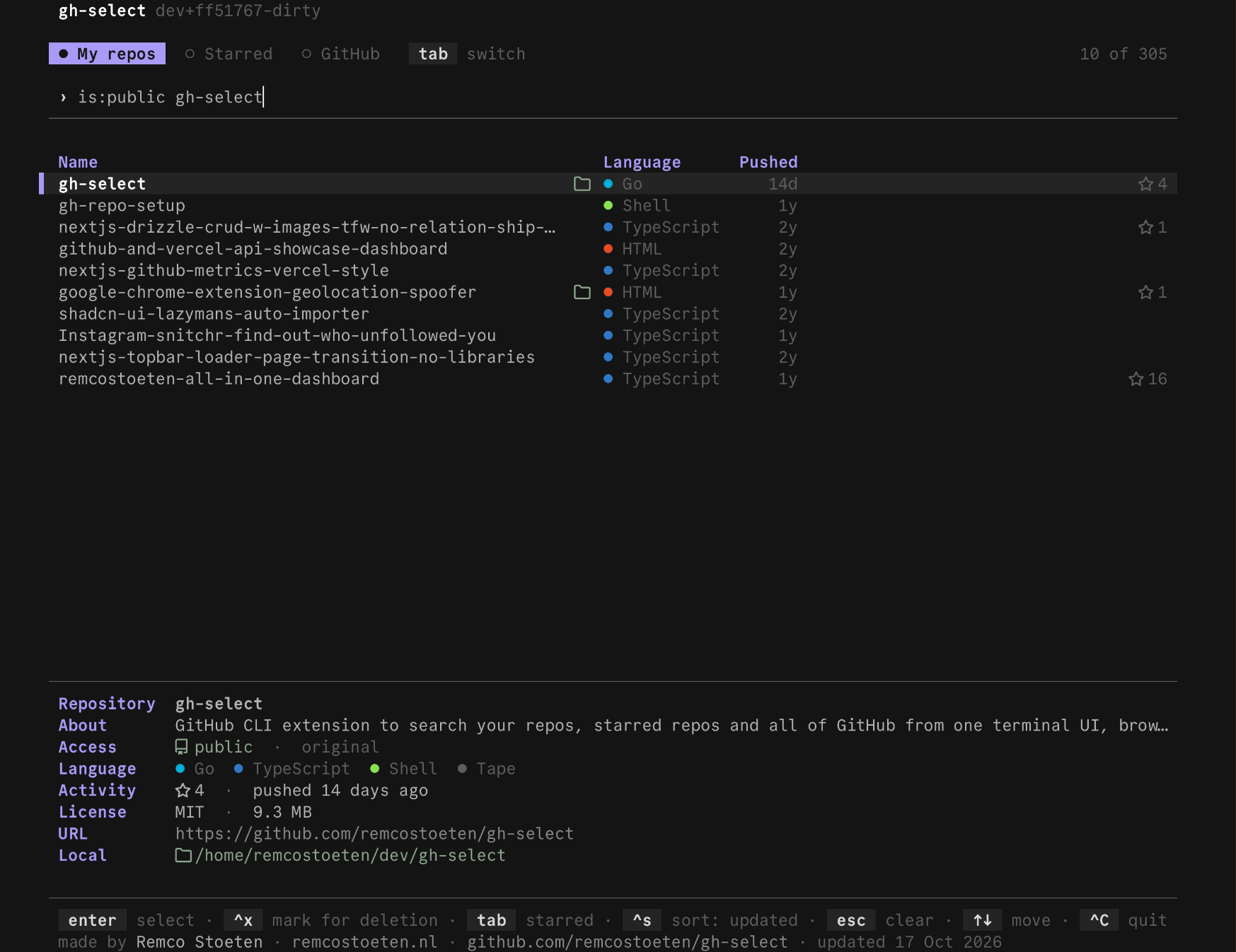
That is all you need to start. It uses your existing gh login, so there is nothing to set up.
What you can do
Find a repository
Your repos, your stars, or all of GitHub.
Take only some files
Browse a repo, mark files and clone just those.
Download a release
The right build for your machine, checksum verified.
Change the look
Ten themes, or write your own.
Next
- Install it.
- Follow the quick start.
- Look up a command or key in the reference.
Edit this page on GitHub
Last updated on