Releases
Read release notes and download the build that fits your machine, with checksums verified.
Open the releases
Press enter on a repository and choose Releases…. You see the last 100 releases with the notes of the highlighted one next to them.
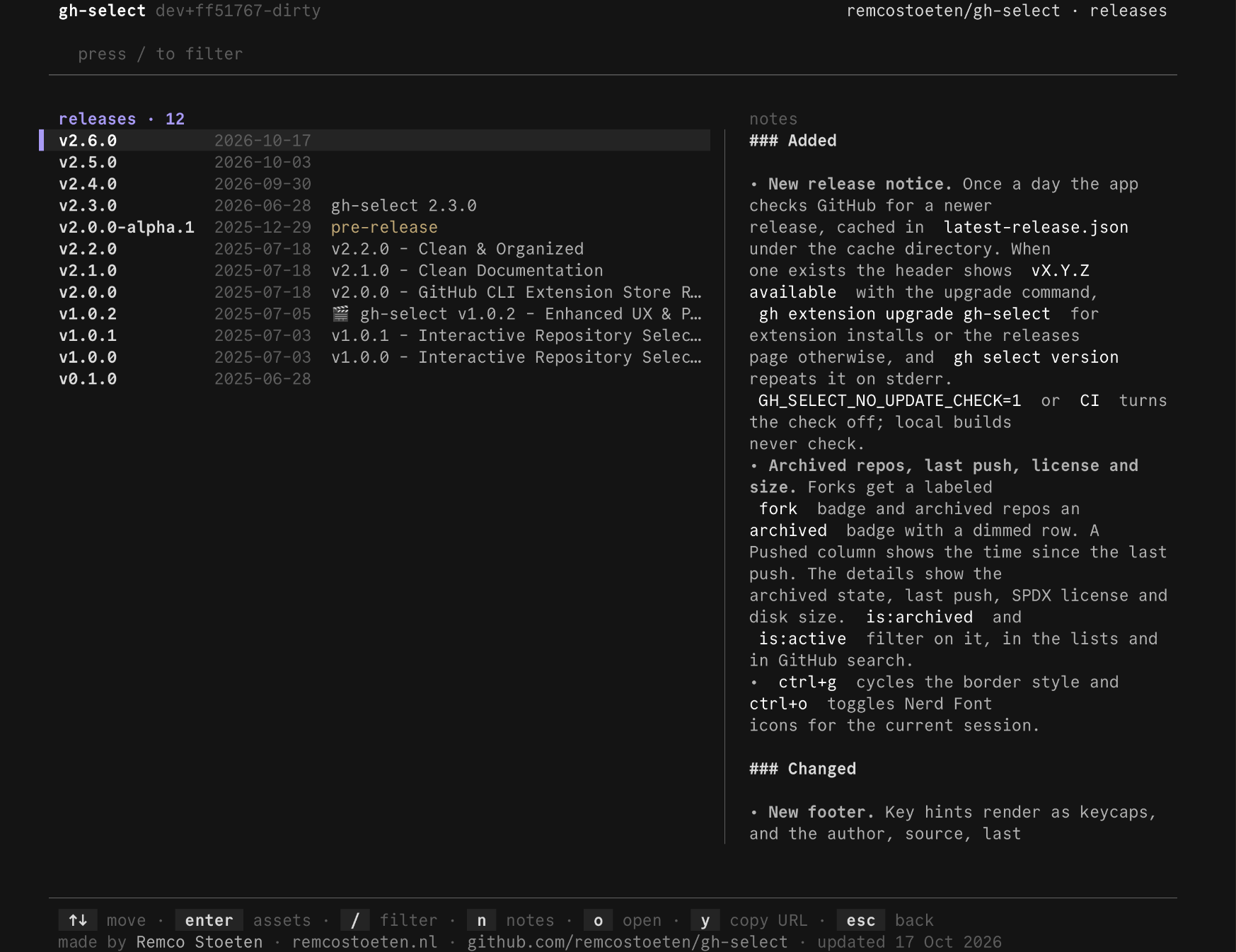
n reads the notes full screen, o opens the release page and y copies its link.
Download an asset
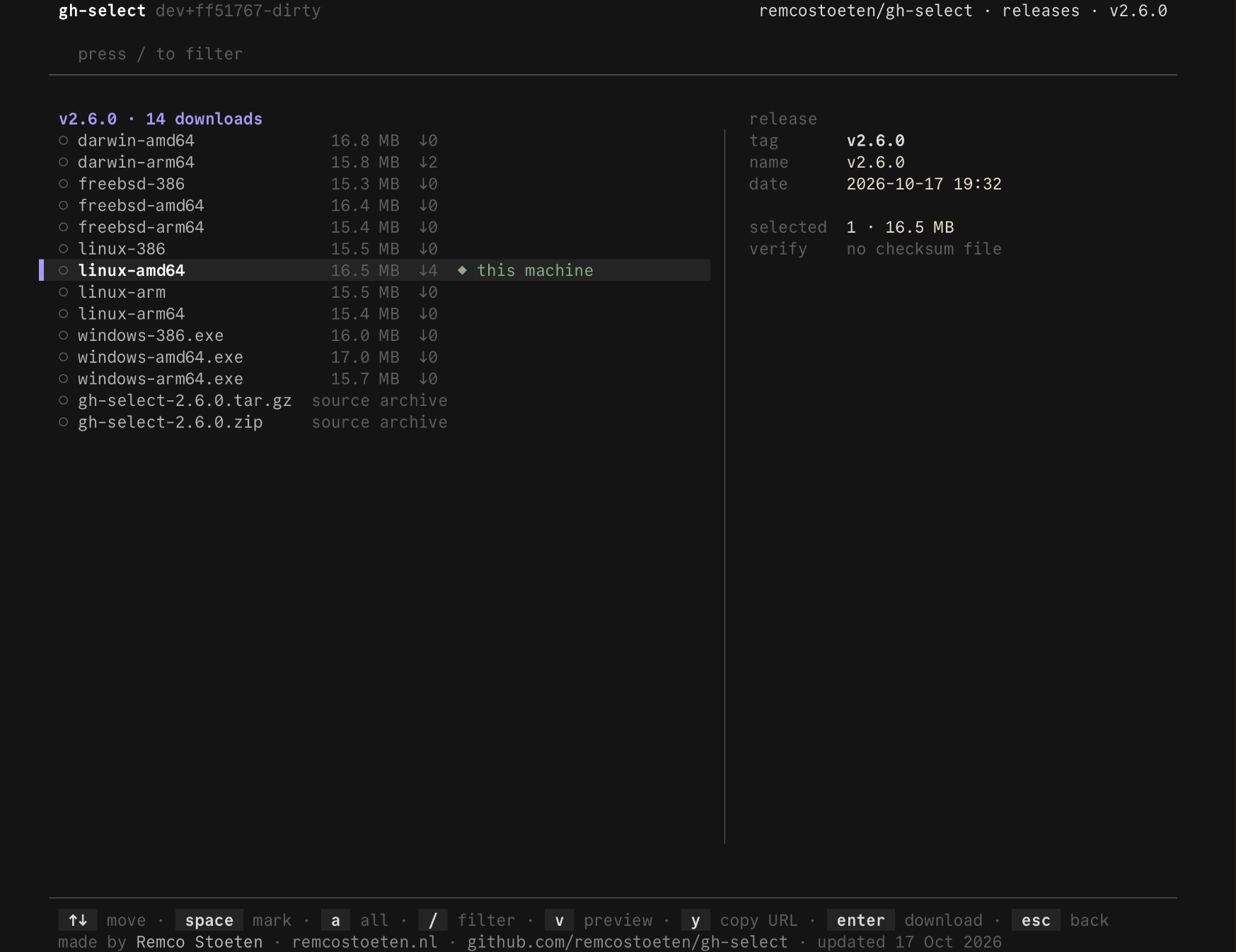
Press enter on a release to see its downloads. The one that fits your OS and CPU is already highlighted and marked ◆ this machine.
| Key | Action |
|---|---|
enter | download |
x | download and unpack |
space | mark several |
a | mark all |
v | preview a text file |
y | copy the download link |
Files go into the current directory, or into --download-dir or GH_SELECT_DOWNLOAD_DIR.
Safe by default
- If the release has a checksum file, each download is checked against it. A mismatch deletes the file.
- Existing files are never overwritten.
- A download is renamed to its real name only when it is complete.
- Unpacking supports
.tar.gz,.tgz,.tar.bz2and.zip. Entries that would escape the folder are refused, and links are skipped.
How it picks your build
gh-select reads your OS and CPU and looks for them in the file names, in common spellings such as macos, darwin, x86_64, amd64 and aarch64. Portable archives rank above plain binaries, and plain binaries above installers.
Private repositories you can access work too.
Last updated on