Finding repositories
Search your repositories, your stars and all of GitHub, and sort or narrow the list.
Your repositories
gh select opens on My repos: everything you own, plus repositories from your organizations and ones you collaborate on. Type to filter by name.
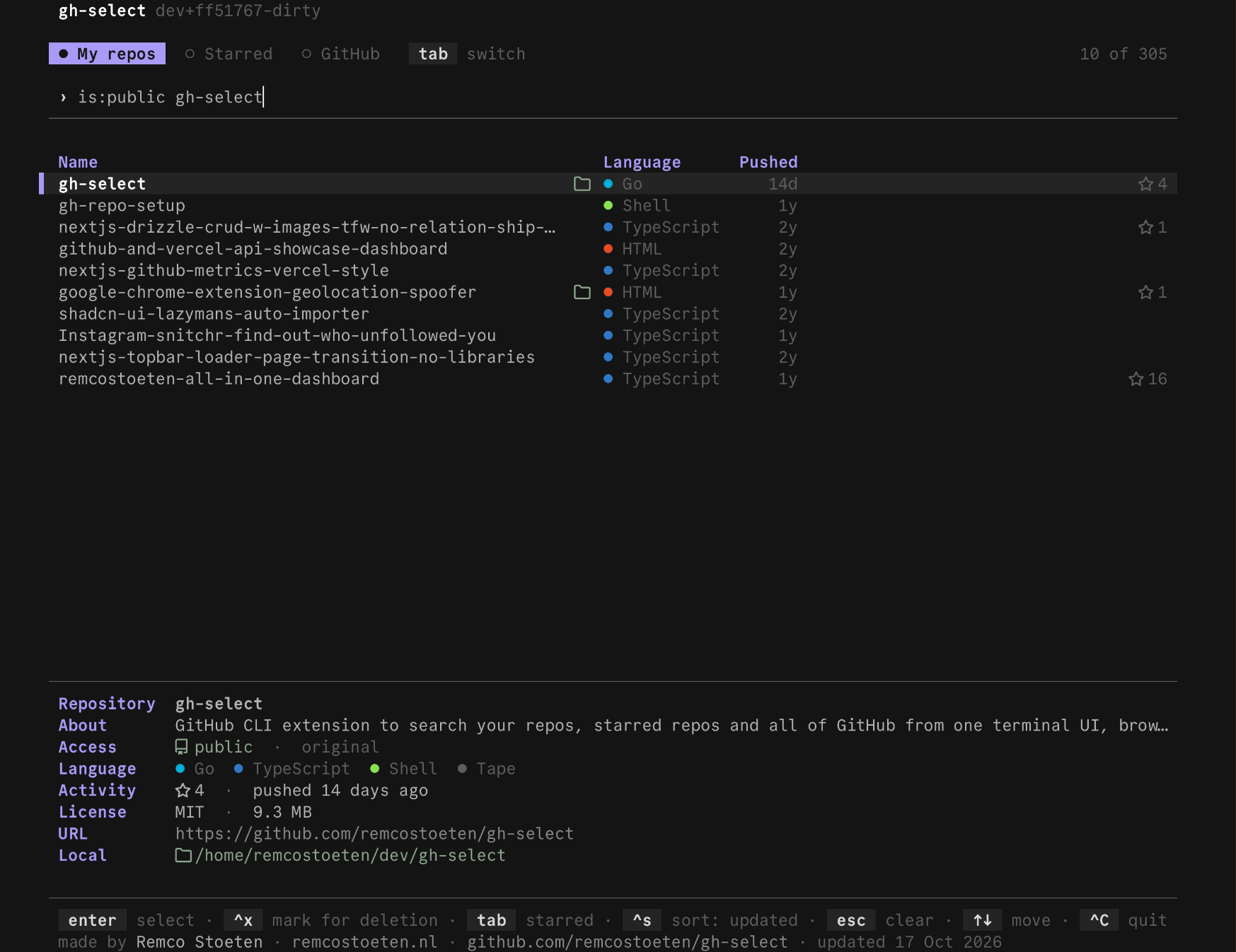
enter opens the action menu for the highlighted repository.
Starred
Press tab once to see the repositories you starred.
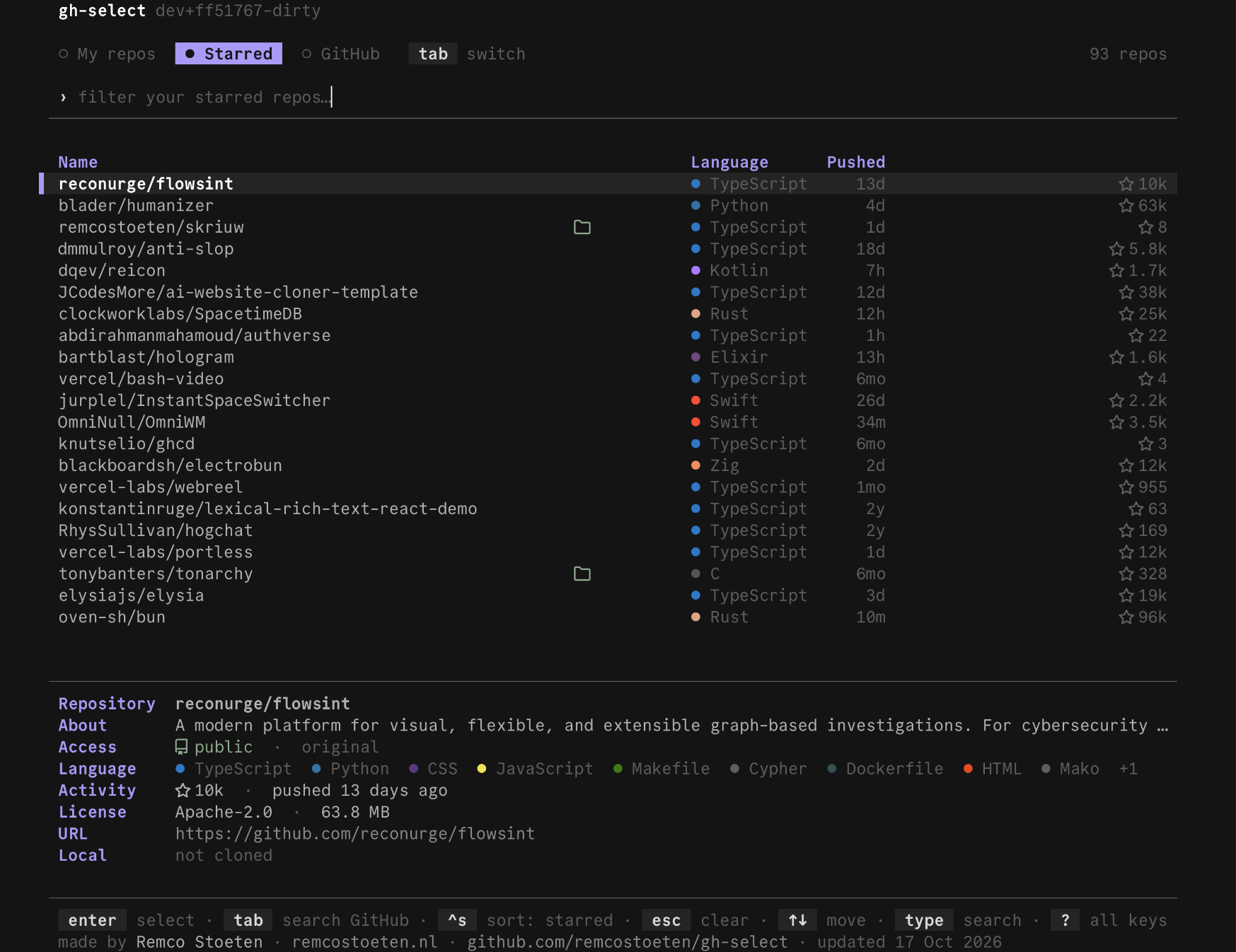
All of GitHub
Press tab again to search all of GitHub. Type a name and results appear when you pause typing.
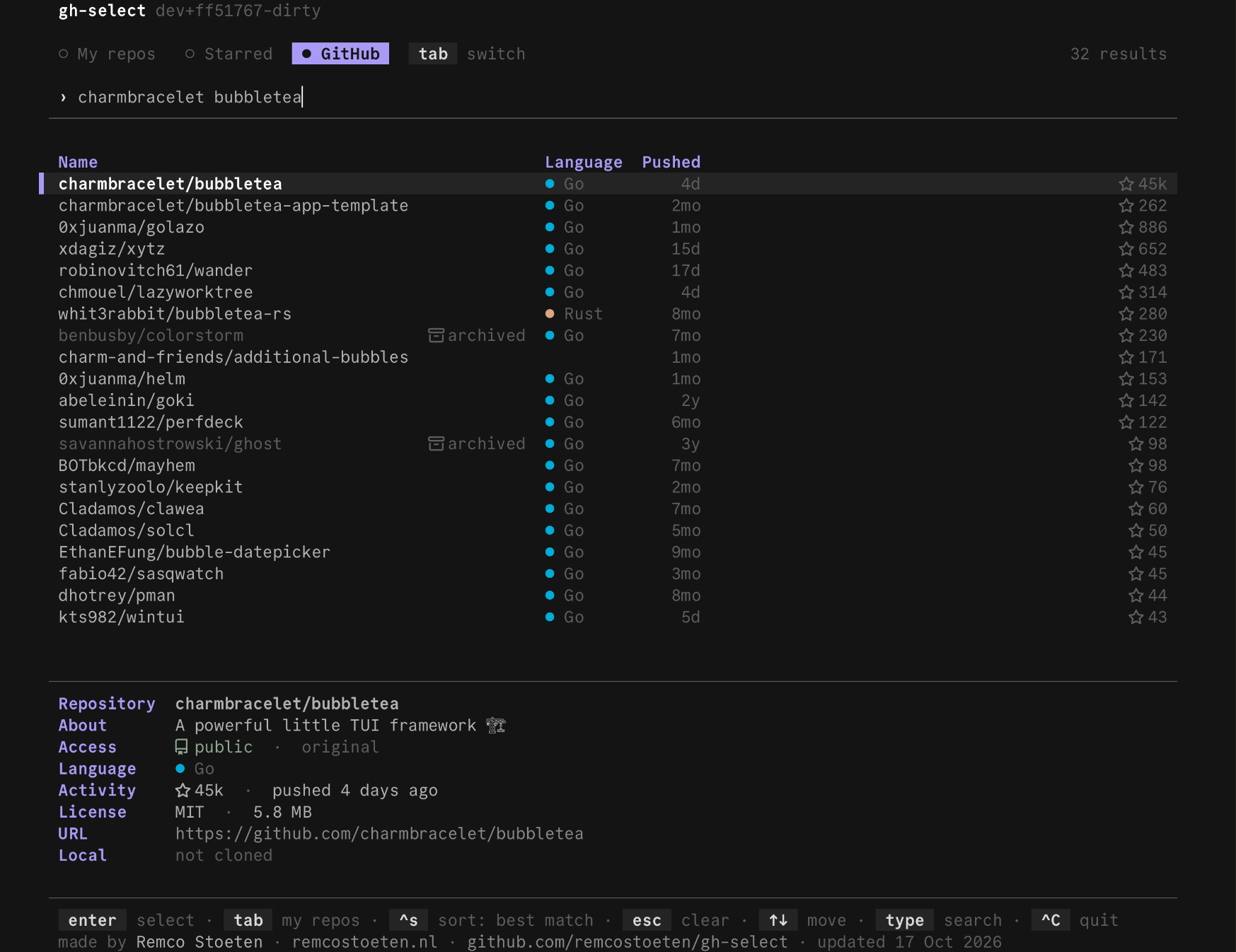
You can type any of these:
- a repository name, such as
bubbletea - an owner, such as
charmbracelet owner/repo,owner repoorowner-repo- a URL or a whole
git clonecommand
The repository you named is pinned on top. If you paste a URL while on My repos or Starred, gh-select switches to GitHub search for you.
shift+tab goes back one tab. esc clears the search.
Sort
ctrl+s changes the order. The current sort is shown in the footer. The choices are most recently updated, stars and name. Starred and GitHub add recently pushed.
Narrow the list
Add a filter word to the search to keep only some repositories. They work in all three tabs and combine with ordinary text.
| Type | Keeps |
|---|---|
lang:go | repositories written mainly in Go |
is:public or is:private | public or private repositories |
is:fork or is:source | forks, or original repositories |
is:archived or is:active | archived, or not archived |
is:local | repositories you already cloned |
is:mine | repositories you own |
For example, lang:go is:mine lists the Go repositories you own. The filter token reference has the details, including how they map to GitHub search.
Last updated on